 SlowPBX
Roles
Who may see and change what.
Every person who signs in has one role. Give each the lowest one that lets them do their work: most people are users, one or two run the office’s day-to-day as office managers, and as few as possible hold the two roles that can change how the system is built.
The roles
| Owner | Everything, including the Settings page: the credentials for Telnyx and the other services, and the system-wide choices. Have at least two, so that one person’s lost phone doesn’t lock the business out. |
|---|---|
| Administrator | Builds the system: phones, ring groups, numbers, the weekly schedule, menus, mailboxes, speech. Sees the call log. Not the Settings page. |
| Office manager | Runs the day-to-day: who is on call, closures, what menus say, mailbox members, adding ordinary users and extensions, the company’s blocked numbers, the phonebook. Their chapter of the user guide. |
| User | Their own voicemail, account, lamps and app, and the console. |
| Receptionist | The same as a user today. |
| On-call only | Someone who takes urgent messages and has no phone at the office: voicemail, their account and the app, and nothing that shows the office’s calls. |
Pages by role
| Pages | Who sees them |
|---|---|
| Voicemail, Account, App | Everyone |
| Console, Lamps, Phonebook | Everyone but on-call only |
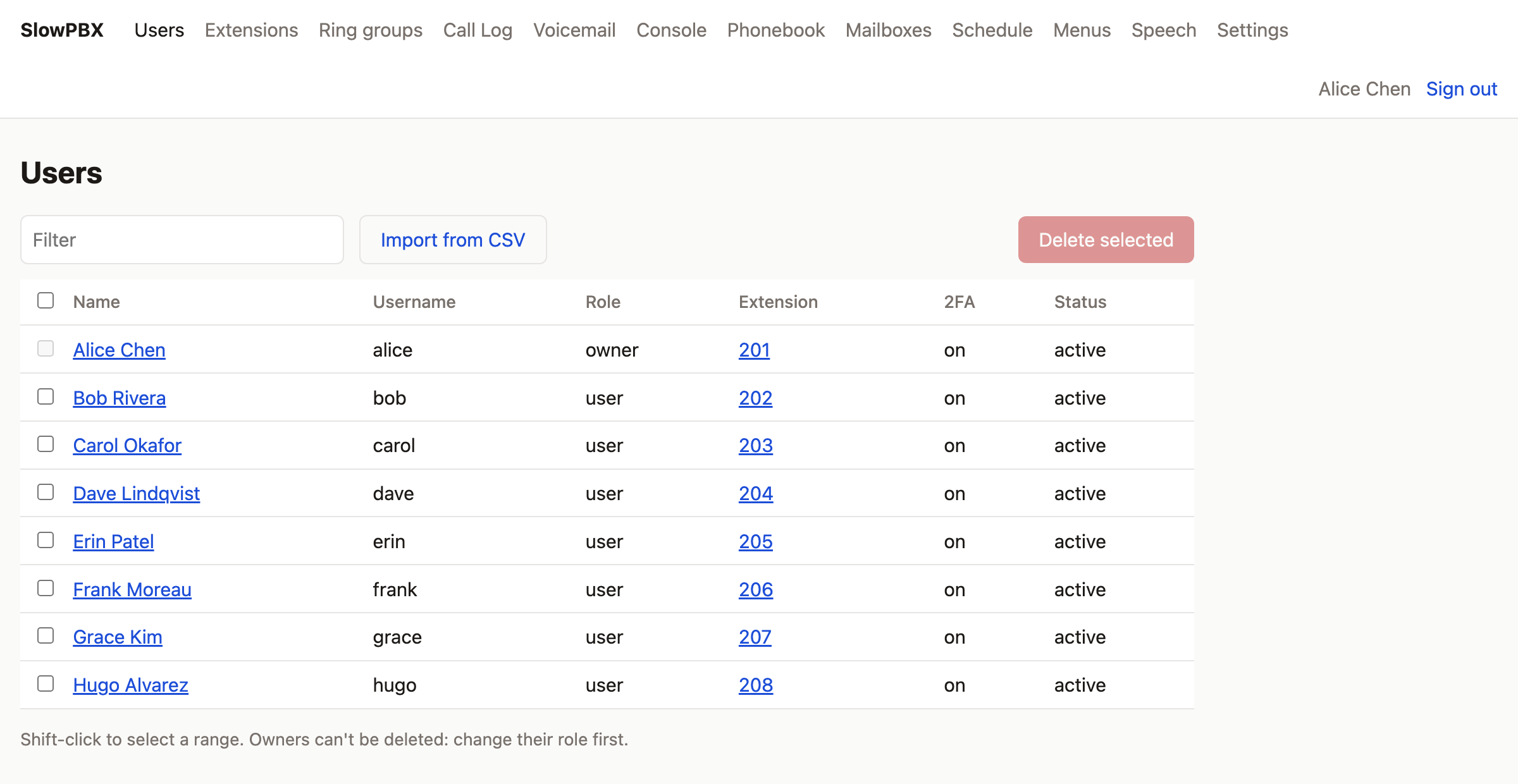
| Schedule, Menus, Mailboxes, Users, Extensions, Blocking | Office manager, administrator, owner |
| Devices, Ring groups, Numbers, Call Log, Speech | Administrator, owner |
| Settings | Owner |
Office managers and above have a switch at the top of the page that shows the pages as an ordinary user sees them.
Office manager, administrator, owner
On the pages they share, an office manager can do the everyday part and an administrator the rest:
| Page | Office manager | Administrator also |
|---|---|---|
| Users | Adds users, sets passwords and resets two-factor sign-in, for receptionists, users and on-call-only users. | The same for office managers and administrators; deletes users; imports a list. |
| Extensions | Adds and renames. | Desk phones, linked apps, voicemail PINs; deletes. |
| Schedule | Puts someone on call for a period; adds closures and holidays. | The weekly hours, the weekly on-call rotation and its names. |
| Menus | Changes what a card says and what its keys do; tries and publishes. | New menus and cards; which hours a card answers. |
| Mailboxes | Members and greetings. | New shared mailboxes; which is the on-call mailbox. |
| Blocking | The company’s blocked numbers. | What happens to withheld and unverified callers; the limits. |
An administrator can’t change an owner’s account. Only owners manage owners, and only owners change the Blocking page’s list of numbers that are always let through.
Sign-in security
- Two-factor sign-in is required for everyone. Each person sets it up at their first sign-in, with an authenticator app, and is given recovery codes once.
- Passwords are 12 characters or more. There is no “forgot password” link: someone above the person sets a new one.
- A lost phone or authenticator: Reset 2FA on the user’s page, and they set it up again at their next sign-in.
- Someone leaves: set their status to disabled. They are signed out everywhere at once. Then unlink their apps on their extension’s page.
- What is recorded: changes to settings and accounts, and each time someone lists or plays voicemail or opens the call log or the console.
Locked out
If no owner can sign in, someone with access to the server itself can put that right, with the bundle’s admin.sh:
user set-password | Sets a user’s password. |
|---|---|
user reset-2fa | Clears their two-factor sign-in, to be set up again. |
user create | Makes a new user, with any role. |
Which is why access to the server is worth as much as an owner’s sign-in, and should be held as carefully.